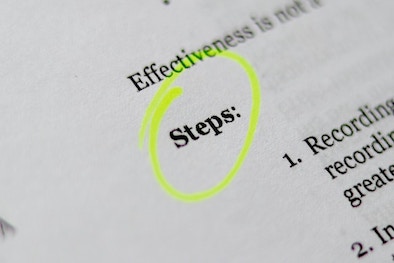
[7 Ways] How to Circle Text in PDF on Windows and Mac
In addition to add text, image or media objects to a PDF document, we can also markup in the file to provide feedback, write down something important or [...]

In addition to add text, image or media objects to a PDF document, we can also markup in the file to provide feedback, write down something important or [...]
"I've been coordinating the review of the Q3 financial report for the last several days. My colleagues in accounting and legal department have added their comments to [...]
It's one of the redlining's greatest benefits: it keeps record of all the changes/additions/deletions you made to official documents or contracts, gives a clearer insight about how both [...]
I am now volunteering in our community, yesterday, I was given the task to share a guide which contained a lot of charts, flows. So, I am [...]
At some point, we added highlight to our PDF, marking the texts in yellow or other colorful boxes to interact with the documents, but later on, we found [...]
White out on a PDF is the quickest way to remove typos, and unwanted parts from a PDF without opening a PDF editor. SERPS show that there are [...]
Highlighting text in PDF can make a specific section stands out from the rest of the document. We can select from a number of different highlight colors, and [...]
We probably spend more time than we realize marking up PDFs, to add a wide range of annotations and comments. Some of us rely on dedicated computer programs [...]
We don’t want to make some texts in a PDF public to others.This includes personal information like name, age, address, phone number, email address, financial status and confidential [...]